Australian App Costs in 2026: An Unfiltered Breakdown
- What Things Cost Right Now
- The Barebones MVP ($20,000 to $50,000)
- The Standard Business App ($50,000 – $120,000)
- Heavyweight Platforms ($120,000 – $250,000)
- Enterprise Ecosystems ($200,000 – $350,000+)
- Where the Money Goes
- Native vs Cross-Platform: Don’t Double Your Budget
- Local vs Offshore: What are you actually paying for?
- Quick Feature Price List
- Sector Check
- The Surprise Bills After Launch
- Conclusion
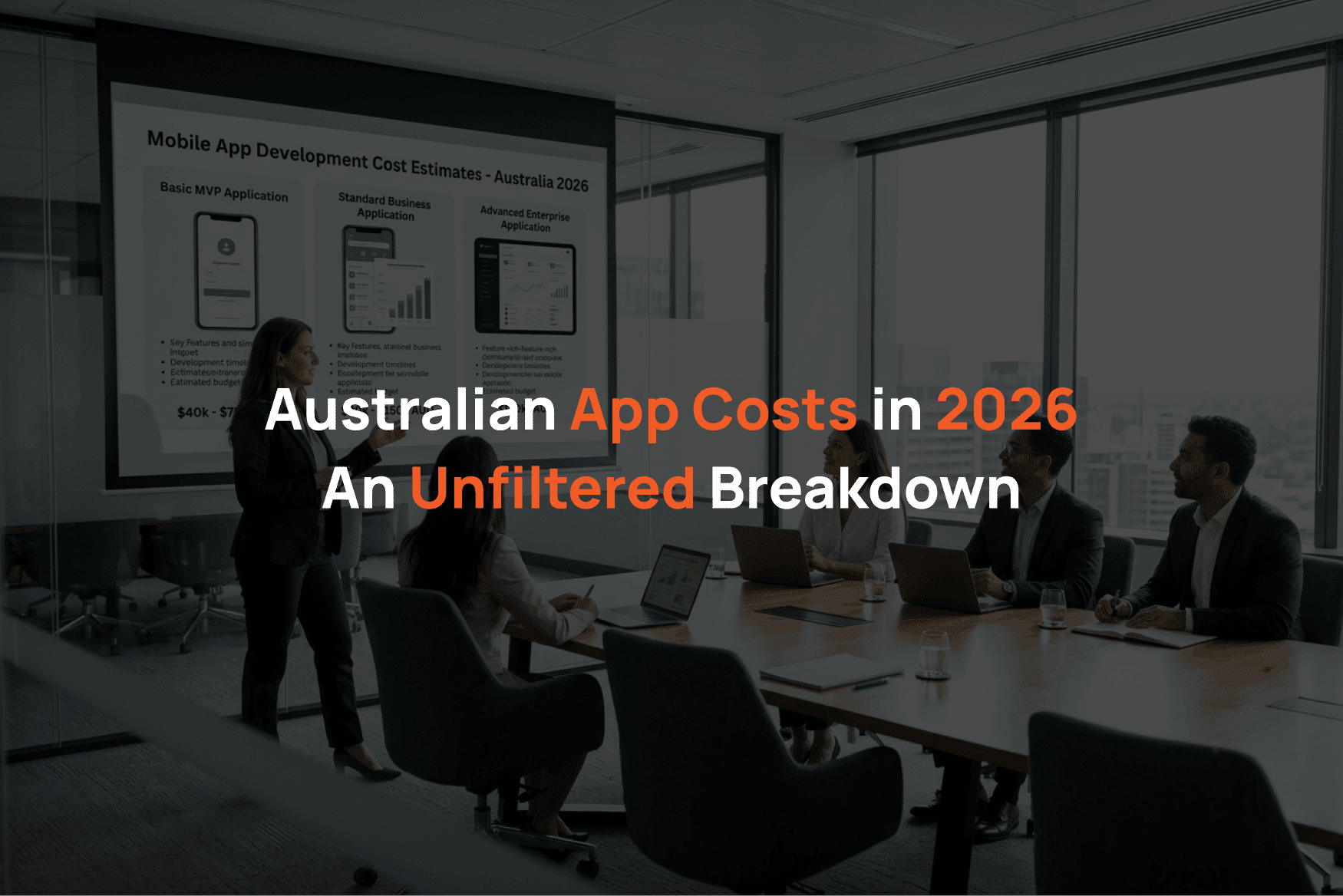
Ever tried getting a quick figure for an app build down here? It’s a nightmare. You ring up a studio in Melbourne, tell them what you’re planning, and they throw back a number that could buy a small flat or barely a second-hand hatchback. $30k from one crowd. $180k from the next.
Look, nobody’s trying to pull your leg. The issue is that custom development isn’t like picking a car off a lot where you just point at a model and read the sticker. Building a simple job-logging tool for a local plumbing outfit is a whole different beast compared to putting together a bank-grade fintech app that has to sync up with legacy financial networks without crashing.
So, if you’re trying to build a sensible software budget for 2026, here’s how the numbers actually land on the ground, where the cash goes, and how to stop the invoice from blowing out.
What Things Cost Right Now
Local agencies usually lump builds into four buckets, mostly based on how much mess is hidden behind the front screen.
The Barebones MVP ($20,000 to $50,000)
The minimum viable product is survival until you can figure out if anyone even cares about your idea of a product. Everything nice-to-have gets stripped away. You strip out everything nice-to-have. You keep one core feature, slap together basic logins, hook up a plain database, and get it into the App Store inside six or eight weeks. It’s cheap, it’s rough around the edges, but it stops you from burning your life savings on something nobody ends up downloading.
The Standard Business App ($50,000 – $120,000)
This is where most mid-sized businesses land. Customer booking portals, field team dispatch tools, staff management apps. You’re paying for polished screens, proper credit card checkouts through Stripe, push notifications, and a decent admin backend so your staff aren’t calling a developer every time a client forgets their password.
Heavyweight Platforms ($120,000 – $250,000)
The moment you need real-time mapping, user-to-user instantaneous chat services, or live driver tracking, the hours fly by. Consider Uber-like delivery platforms or multi-sided markets. The money here goes straight into backend engineering building a system that can process hundreds of live updates a second without falling over.
Enterprise Ecosystems ($200,000 – $350,000+)
Thousands of daily active users, thorough security audits, encryption, and customised bridges in legacy databases, developed in the days of flip phones.
Where the Money Goes

Two big expenditures of your capital include the UI/UX development and backend development.
Design isn’t just about picking nice brand colours. It’s working out how someone uses the thing with one thumb while standing on a crowded train without getting annoyed and closing it. Slapping together basic screens with off-the-shelf templates is cheap ($8k–$15k). But if you want a custom flow with smooth transitions and full accessibility, expect design alone to run $15,000 to $40,000+.
Then there’s the backend, which averages $30,000 to $80,000. That’s the engine room under the hood, handling user tokens, database calls, security, and third-party APIs.
And if you want to throw trendy stuff like AI models or live video processing into the mix? You’ll need senior specialists, which bumps up the hourly rate real quick.
Native vs Cross-Platform: Don’t Double Your Budget
Here’s a big trap.
If you build Native, you’re paying developers to write two totally separate codebases from scratch—one in Swift for iPhones, and one in Kotlin for Android. You get top-tier performance, sure, but you’re essentially funding two software projects at once. That inflates your build cost by 50% to 100%.
Unless you’re building a high-end 3D mobile game, stick to Cross-Platform tools like Flutter or React Native. Your development team writes one codebase that runs on both Apple and Google devices. It saves you 25% to 40% upfront and cuts your long-term maintenance in half because you aren’t patching two different codebases every time iOS updates.
Local vs Offshore: What are you actually paying for?

- Australian Local Agencies ($120 – $200/hr): Steep? Yeah. But you get people in your time zone, project managers you can actually talk to on the phone, and guaranteed legal compliance under the Privacy Act 1988.
- Eastern Europe ($40 – $80/hr): Solid technical work. You’ll just have to deal with odd meeting times and a bit of lag on daily messaging.
- South Asia ($25 – $50/hr): The cheapest ticket in, but unless you’ve got a technical co-founder on your end babysitting the code quality daily, these builds tend to go off the rails.
Quick Feature Price List
- Basic Login & Social Accounts: $2,000 – $8,000
- Push Notifications Engine: $1,500 – $5,000
- Stripe/Square Credit Card Payments: $3,000 – $12,000
- Live GPS Tracking & Maps: $4,000 – $18,000
- In-App Chat Systems: $6,000 – $25,000
- Admin Control Dashboard: $5,000 – $20,000
Sector Check
Industry rules hit software budgets hard:
- E-commerce ($50k – $150k): Management of product catalogue, synchronisation of stock inventory, checkout, and management of user profiles.
- On-demand services ($60k – $180k): Real-time GPS mapping, auto-dispatch, push notifications, and payment division.
- Healthcare ($80k – $250k): Extremely high privacy of data, video calls, patient data management, and booking management.
- Fintech ($100k – $300k+): Bank-grade security, two-factor authentication, identity verification, and logging.
The Surprise Bills After Launch
Getting your code into the App Store isn’t the finish line. Keeping an app alive costs real money every month:
- Store Fees: Apple takes ~$149 AUD a year for a developer account. Google takes a small $38 AUD one-time fee.
- Servers: Deploying your back-end onto AWS or Google Cloud will take a minimum monthly fee ranging from $50 to $ 500 AUD+ once you actually have users.
- Maintenance: Reserve 15% – 20% of your initial development budget per annum for maintenance purposes. iOS and Android frequently issue new updates, APIs change, third-party plug-ins become outdated and bug-filled, and small problems eventually emerge.
Conclusion
Hire a studio and spend $5,000 – $15,000 on discovering what is required before even a line of actual code gets written. Defining all wireframes, relations and edge cases upfront prevents costly “oh dear, we have not accounted for that” situations during the development process.
Secondly, launch your app lean. Implement the basic feature, push it to the market, and based on its performance, figure out which new features should be implemented.
Finally, if you are developing your app onshore, go with a studio like App Gurus. Working with local professionals means no miscommunication, full compliance with Australian privacy laws, and prevents scope creep from postponing your launch indefinitely.
Let’s talk

Schedule a time for personalized analysis and solutions to scale your business effectively.



With more than 14 years in the game, we excel in delivering top-notch IT solutions tailored for medium-sized enterprises and large corporations. We're committed to your success, taking great pride in both our craftsmanship and the relationships we build with our clients.

Boost your Business Today by Teaming up with the Best!
1.5k Brochure Downloaded