Wearable Integration in Fitness Apps
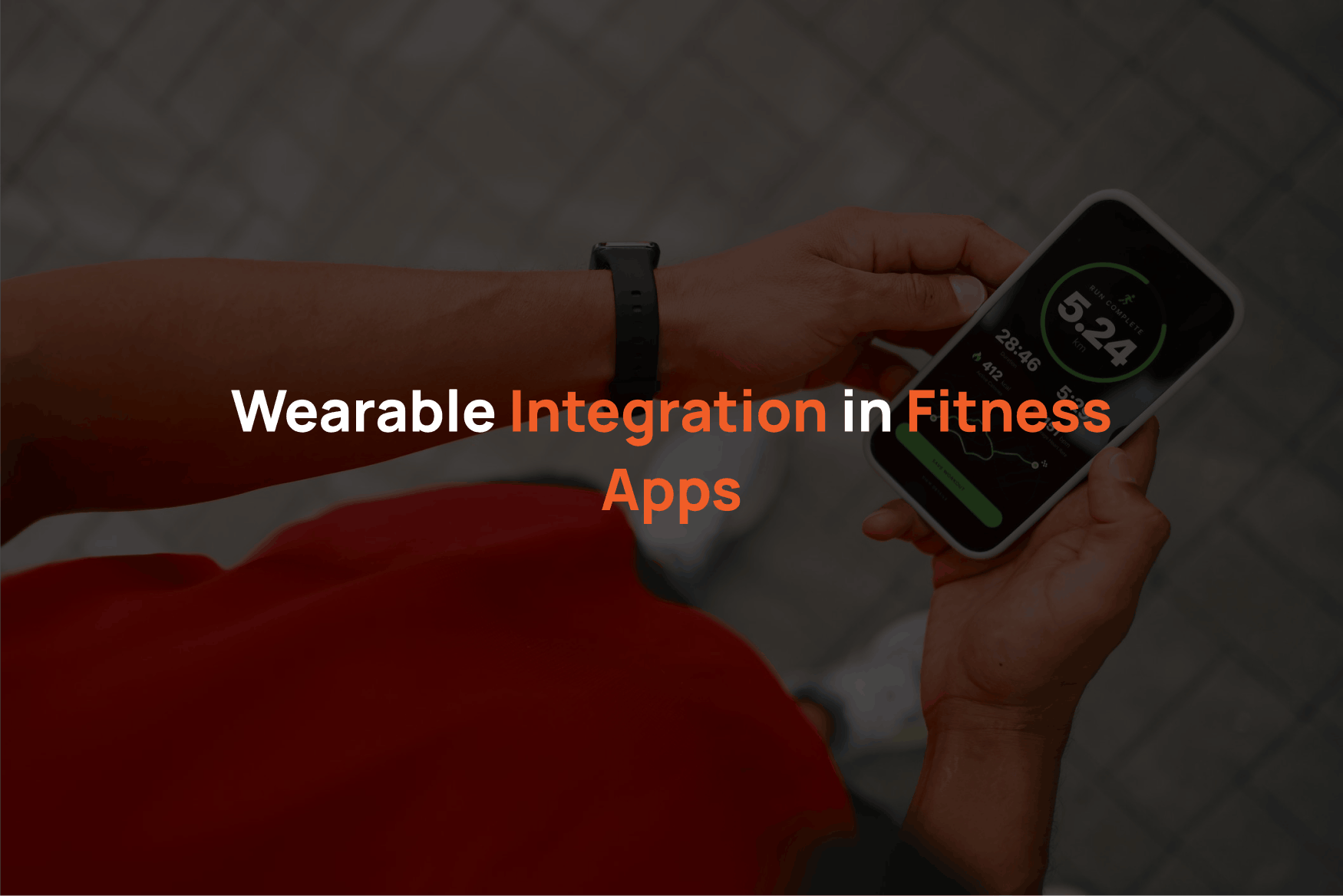
Say a user finishes a run and opens your app and doesn’t see the run. They won’t be hanging about. They’ll release another app.Wearable integration in fitness apps is what prevents that from happening, but it takes more than a “connect your watch” button.
You have to pick the data sources, deal with sync delays, and ask for permission in words people understand. Below is how we look at it, including a Fitbit change with a date on it this month and a few privacy points for apps in Australia.
Start with the phone, not the watch
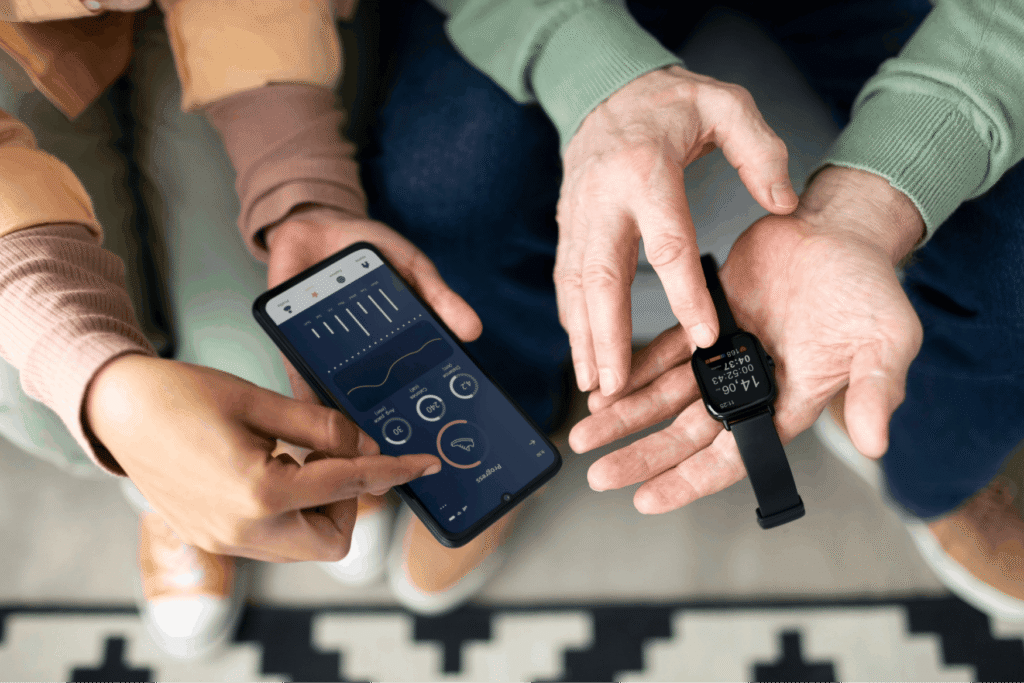
When we talk to founders, the first question is usually “which watches should we support?” It sounds right, but it’s the wrong place to begin. Garmin, Samsung, Apple, Fitbit and the rest all send their data to a health store on the phone, and your app can read from there. On iPhone that store is Apple HealthKit. On Android it’s Health Connect.
So you’re building two connections, not twenty. They each have their own data types, their own permission screens, and they don’t line up cleanly. On the one side the number of steps might be stored differently on the other. You can share screens if your team uses Flutter or React Native, but you still need to do separate work on each platform for the health data part. It’s worth settling this early in fitness app development, because it changes both the timeline and the amount of testing.
The Fitbit date you shouldn’t miss
If your app pulls data from Fitbit accounts directly, there’s a date coming up. Google says the old Fitbit Web API stops working on 30 October 2026, and support for it already ended on 30 September. The replacement is the Google Health API, which uses Google sign-in instead of Fitbit’s. The details are on Google’s developer page.
Old logins will not transfer, so all users will have to reconnect. It is useful to have a short message prepared explaining why they are being asked to sign again. Access to the new API also goes through a privacy and security review on Google’s side, so it’s not something to leave for the last week.
Google Fit is on its way out too, so avoid starting anything new on it. For wearable app development that touches Fitbit or Pixel Watch, this is the first thing to check.
Sync is where the trouble starts
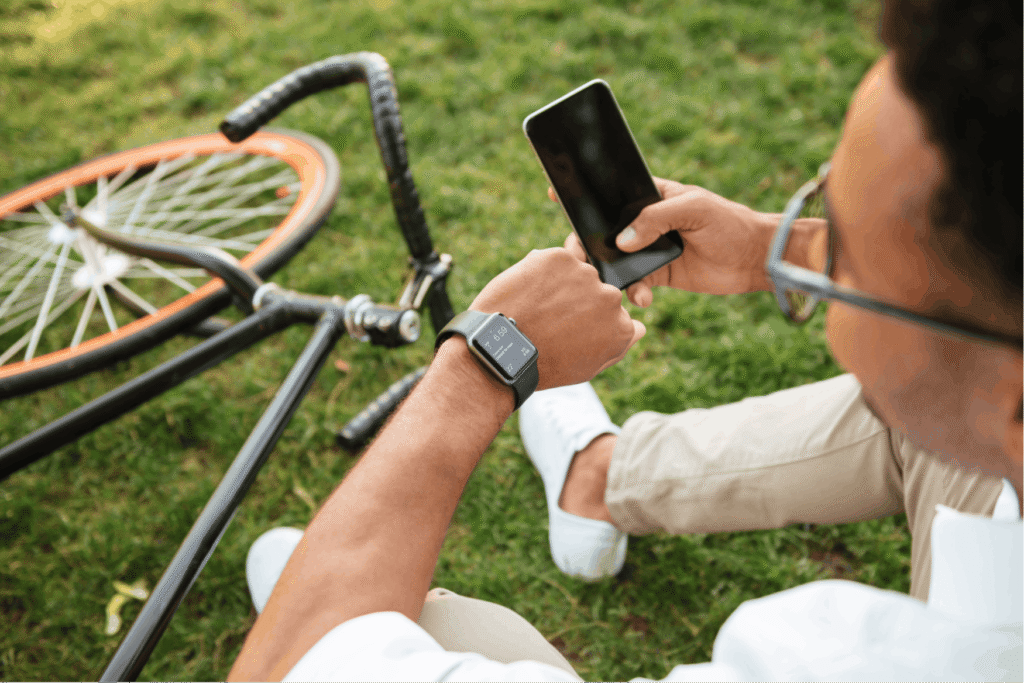
Reading data once is easy. Keeping it right every day is harder. These are the things that come up most:
- Different sources send data at different speeds. A workout might show up straight away while last night’s sleep arrives hours later.
- On Android 14 and newer, Health Connect is already on the phone. On older versions people have to install it, so your app needs a screen for that.
- Steps from a watch and a phone can both be counted. Pick which source wins before you launch, or users will see numbers that look too high.
- Android limits how far back an app can read unless you ask for an extra permission.
None of these are difficult. They just don’t show up if you only test on one phone.
Ask for less than you think you need
It’s easy to request every data type on the list. Please don’t. Each one is another permission screen, and every extra screen is another place where someone taps “Deny”. Most apps do fine with steps, workouts, heart rate and sleep. Add more only when there’s a feature that uses it.
This is also where fitness tracker integration gets easier to explain to users. If your permission screen says “we read your heart rate to show your training zones,” people understand it. If it says “access to health data,” they hesitate.
Privacy rules in Australia
Wearable integration in fitness apps brings in data you have to look after. Heart rate, sleep and weight are health information, and the Privacy Act treats health information as sensitive. In plain terms: get clear consent, say why you need each data type, keep it only as long as you need it, and let people disconnect and delete their data without hunting for the option. If something does go wrong, the notifiable data breach rules apply.
Then the other thing to check is medical device rules. Apps that analyse a medical condition or help to diagnose, treat or monitor it are usually treated differently than apps that track workouts and general well-being. If you are thinking of changing your plans to the second type, refer to the TGA’s guidance on whether your software is regulated and seek specialist advice.
What we’ve seen on real projects at Appgurus
We’re a Brisbane team, and our wearable app development work covers native iOS and Android as well as Flutter and React Native. On projects that read from watches, late-arriving data caused more questions from users than any missing feature. People finish a run and expect to see it straight away. So we test sync timing on real devices from the first build, and we show a “last synced” time in the app so people know what they’re looking at.
Conclusion
Pick your platforms first. Write down the exact data types version one needs, and no more. If either of those is in your plan, check the Fitbit and Google Fit situation. Write the consent text in simple language and decide what will happen to duplicate data. Test your fitness tracker integration on the watches your users are most likely to own, not just the ones in your office drawer.
The code behind wearable integration in fitness apps isn’t the hard part. The planning is. Teams that sort out platforms, permissions and sync timing at the start spend far less time fixing things later, and that applies to any fitness app development project, big or small.
Let’s talk

Schedule a time for personalized analysis and solutions to scale your business effectively.



With more than 14 years in the game, we excel in delivering top-notch IT solutions tailored for medium-sized enterprises and large corporations. We're committed to your success, taking great pride in both our craftsmanship and the relationships we build with our clients.

Boost your Business Today by Teaming up with the Best!
1.5k Brochure Downloaded